
A server-room quote can look complete while leaving the most expensive questions unanswered. The rack is listed, the switches are selected and storage capacity is specified. But who confirms the power requirements? Where will the internet provider hand off service? Who proves that the business can recover its files?
Before requesting equipment prices, prepare a short infrastructure brief. It does not need to be a finished engineering design. It needs to explain what the business relies on, what is already on site and which decisions still need an owner. Here is a practical way to build that brief for a small commercial server room or network cabinet.
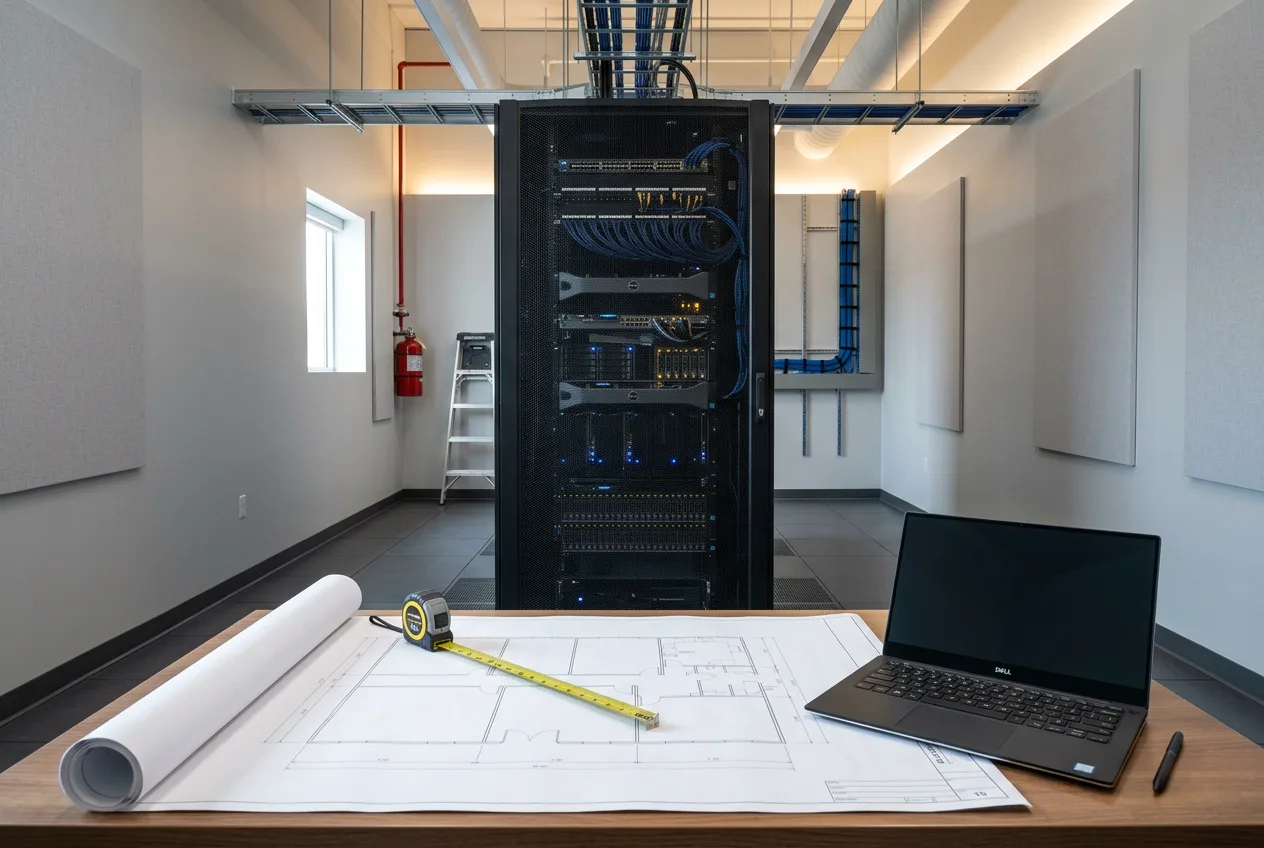
Cover image: conceptual illustration of server-room infrastructure planning; not a photograph of a completed installation.
Start with business functions, not rack size
List the activities that depend on the equipment: shared files, business applications, phones, payment systems, cameras or building controls. Identify the person who can explain each system and the supplier responsible for it. Separate equipment that must stay on site from services already hosted elsewhere.
Then describe the effect of an interruption. A reception phone outage and an unavailable production application may need different responses. Avoid assigning a single “critical” label to everything. Tell your project team which functions must return first and which can wait while essential work is restored.
Make an inventory that installers can use
Record equipment models, quantities, dimensions, mounting requirements and the manufacturer documents you have. Include the less obvious items: provider equipment, patch panels, security recorders and devices that sit on shelves rather than rack rails. Note which items are staying, being replaced or being added later.
Give the team photographs of the existing space and an approximate layout. Keep serial numbers, credentials and sensitive network details out of public enquiries; agree on a secure way to share them when needed. A clear inventory helps distinguish an equipment purchase from the work required to install and integrate it.
Treat the room as part of the installation
Ask the responsible trades and equipment suppliers to review access, service clearances, ventilation or cooling requirements, cable routes and power together. Requirements should come from the actual equipment and site assessment, not a generic room-temperature or outlet-count rule.
Include delivery access and future maintenance in that review. The brief should identify who assesses the electrical installation, who addresses environmental conditions and who coordinates any building approvals. Leave electrical alterations and load assessment to qualified professionals. A business requirements document is not an instruction to modify wiring.
Draw the boundaries between suppliers
Write down where the internet provider’s responsibility ends and the internal network team’s responsibility begins. Identify who supplies cabling, terminates connections, configures equipment and verifies that users can reach the services they need. “Network included” is too vague to compare proposals reliably.
For structured cabling and commercial networking, agree on connection-point labels, equipment locations and the test records expected at handover. If cameras or access-control equipment share the infrastructure, include their suppliers in the planning conversation instead of treating them as a later addition.
Specify recovery separately from storage
Buying storage does not, by itself, establish a tested recovery process. Decide which information needs protection, how much recent work the business could afford to lose and how quickly key functions need to return. Ask your IT provider to translate those priorities into a backup and restoration plan.
The Canadian Centre for Cyber Security recommends documenting restoration procedures and regularly verifying that recovery mechanisms work. Include an agreed restore test and a named owner in the handover scope. See its backup and encryption guidance. A successful backup notification alone does not demonstrate that the agreed business workflow has been restored.
Define what “finished” means
Before installation, agree on practical acceptance checks and who will witness them. These might cover agreed network connections, access to business applications, equipment labelling and the recovery test arranged with your IT provider. Select checks that match the contracted scope rather than assuming every supplier will test everything.
The handover package should identify installed equipment, support contacts, configuration ownership and outstanding work. Administrative access should be transferred securely to authorised people. If the upgrade replaces live equipment, pair this brief with a cutover plan that defines the work window and what happens if a required check fails.
Your one-page starting brief
- Site location, available space and intended project date.
- Business functions and their interruption priorities.
- Existing equipment and planned additions.
- Power, environmental and building questions requiring assessment.
- Provider handoff and installation responsibilities.
- Backup, restoration and acceptance-test ownership.
- Required documentation and support arrangements.
CL ELECTRIC provides server, storage and IT infrastructure services alongside electrical and networking work. For a new cabinet or server-room upgrade, send your location, equipment overview and main project requirements. Those details provide a useful starting point for defining the scope before equipment is ordered.