
A warehouse can look ready while the work that matters has never been tested. The office internet works, but nobody has walked a scanner through the picking route. Cameras show live pictures, but the team has not tried to retrieve a delivery incident. All the equipment is installed; operational readiness is still unproven.
Commissioning is the stage where the installed systems are checked against the work the facility needs to do. For a new or expanded warehouse, build those checks into the opening schedule rather than leaving them until stock arrives.
Turn the layout into a working journey
Follow a delivery from the loading area to receiving, storage, picking and dispatch. At each step, list the devices and services required. Include handheld scanners, printers, workstations, doors, cameras and business applications.
Assign an owner to each part of the test. A cabling contractor can verify a connection, but your operations team must also confirm that the application workflow works. The handoff between those responsibilities deserves a line in the commissioning plan.
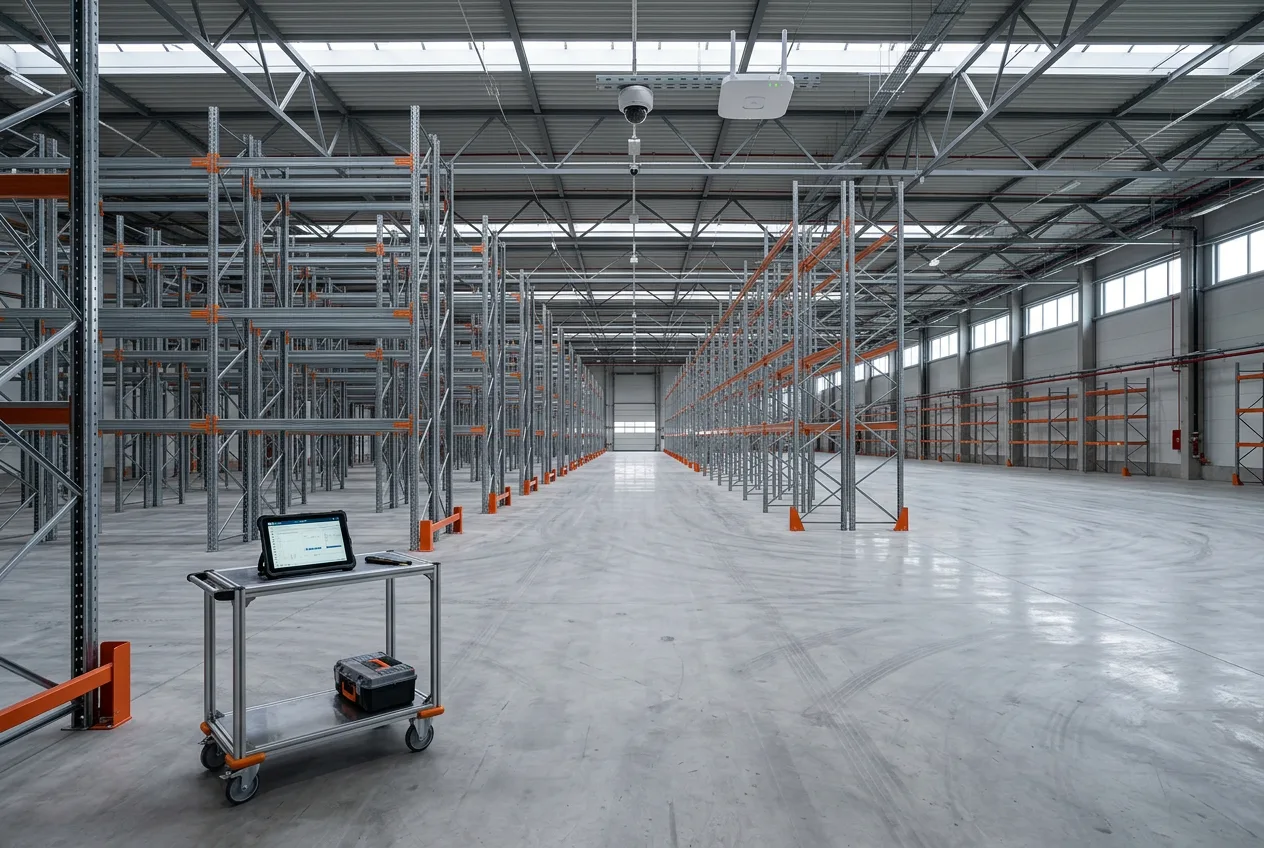
Test with the devices staff will use
A connection check from a laptop at a desk does not establish that every operational task works. Use the actual scanner or terminal where possible. Carry out representative tasks along the working routes and record the locations of failures, delays or repeated sign-ins.
Record the conditions of the test: rack layout, equipment in place, occupied areas and any unfinished work. If significant conditions change before opening, agree which checks need repeating. Treat a test in an empty shell as evidence for that condition, not final proof of performance in a fully operating warehouse.
Check the infrastructure behind the device list
Make sure the installed network capacity matches the agreed equipment schedule. Where devices use Power over Ethernet, the switch’s per-port capability and total power budget are separate checks. The Cisco Catalyst 1200 specifications provide an example of how those limits are documented; the correct figures must come from the equipment selected for your site.
Review cabinet access, cable identification and the spare capacity included in the design. Identify responsibility for business-network settings and the connections used by security equipment. Keep approved configuration records available to the people supporting the installation.
Test a useful camera result
Pick a representative event, such as a delivery at a loading door. Can the authorized operator find the correct camera, locate the time and retrieve the required footage? Is the view useful when the door is open and people or vehicles are moving through the scene?
Agree the conditions and expected result before the test. Check the relevant daytime and evening conditions rather than relying on a single attractive live image. Any recording and retention settings should follow the requirements agreed for the business.
Run the opening and closing routine
Ask the site supervisor to demonstrate a normal start and end of shift. Check the entrances included in the project, the staff permissions and the procedure for visitors or contractors. Document who can request access changes and who handles a problem outside normal hours.
Any tests affecting electrical supply, controlled doors or safety-related systems need an approved procedure and the appropriate qualified people. The operational checklist should identify these dependencies, not attempt to replace their technical review.
Keep an exceptions list with real owners
Some items will need correction. Record the location, expected result, observed issue, responsible party and retest date. Distinguish an issue that prevents opening from an improvement that can be completed later, with that decision made by the business and project leads.
At handover, collect the agreed test results, drawings, equipment inventory, support contacts and training records. Make sure the warehouse team can find these without searching through a contractor’s email thread.
Coordinate the warehouse as one project
CL ELECTRIC helps connect electrical work, networks, security and automation for commercial projects across Canada. Our 13-building fibre-network project documents related previous team experience before our Canadian operations.
Read about Canada-wide project delivery and warehouse and logistics systems. To discuss your facility, send the city, floor plan availability, equipment needs and intended opening date.